



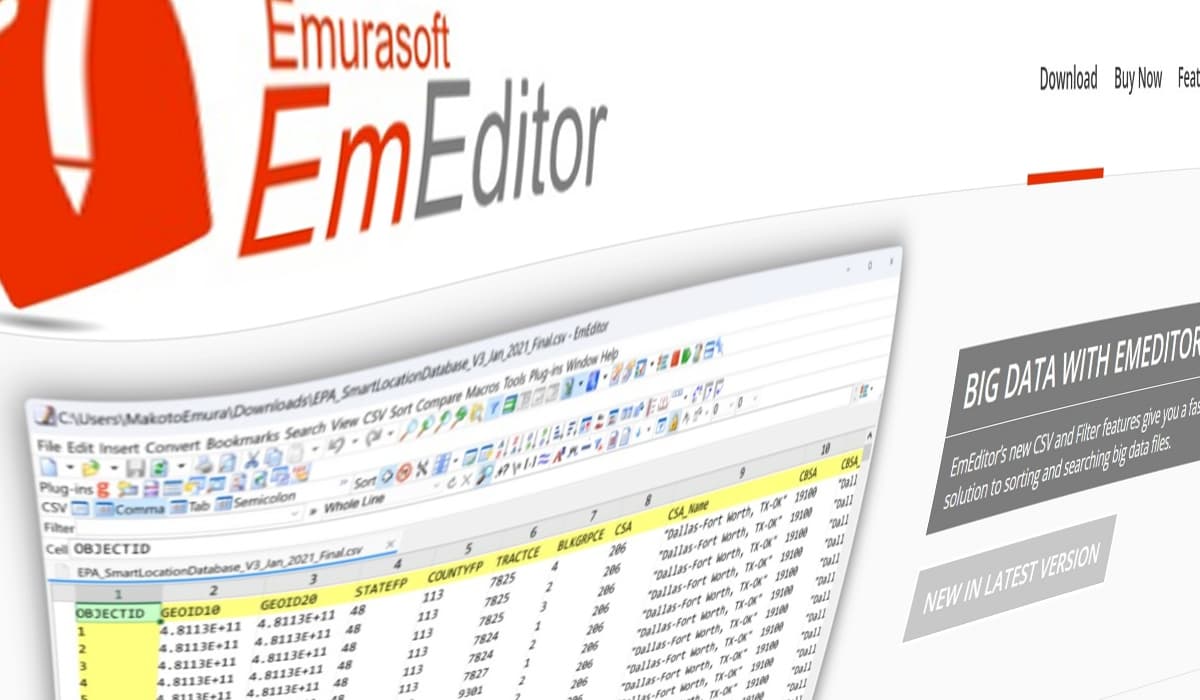

If you have downloaded the popular writing and coding tool EmEditor recently, you might want to double-check your computer. Between December 19 and December 22, 2025, a security breach on the software’s official website caused the main “Download Now” button to serve a fake, malicious installer instead of the real program.
The developer of the tool, Emurasoft, Inc., discovered that a third party managed to mess with the website’s redirect settings. This meant that while users thought they were getting a safe update, they were actually being sent to a different part of the site to download a file that hadn’t been created by the company at all.
How to Spot the Fake
According to Emurasoft’s official notification, the fake file looks very convincing. It uses the same name (emed64_25.4.3.msi) and is almost the same size as the real one. However, further probing revealed a major giveaway: the Digital Signature. While legitimate files are signed by Emurasoft, Inc., the suspicious version is signed by an organisation called WALSHAM INVESTMENTS LIMITED.
The Chinese research firm Qianxin’s RedDrip Team investigated this “infostealer” malware and found that once it gets onto your system, it looks for login details for apps like Slack, Discord, and Steam, and even targets your browser history, VPN settings, and saved passwords. All this is done while the software continues to install the real EmEditor in the background, making it hard to notice that anything is wrong.
Their analysis reveals that this attack specifically targets technical staff and government offices. Beyond just stealing files, the malware takes screenshots of your desktop and targets specialised tools like Evernote, Notion, PuTTY, and WinSCP. It even has a ‘self-destruct’ feature: if it detects the computer is in a former Soviet region or Iran, it will stop running to avoid detection.
Most concerningly, it installs a fraudulent browser extension called ‘Google Drive Caching.’ It allows hackers to remotely control your browser and actually swap out cryptocurrency addresses while you’re making a payment, sending your money straight to the attackers instead.
Protecting Your Data
You are likely safe if you updated through the software’s built-in automatic update tool, used the “Portable” version, or downloaded directly from download.emeditor.info. The issue was specifically tied to the main button on the homepage.
However, if you think you grabbed the wrong file, the best thing to do is right-click the installer, go to Properties, and check the Digital Signatures tab. If you see the wrong company name, or if that tab is missing entirely, delete the file and do not run it.
For those who want to be 100% sure, the fingerprint (SHA-256) of the real file should match this: e5f9c1e9b586b59712cefa834b67f829ccbed183c6855040e6d42f0c0c3fcb3e.
For those who have already installed it, experts recommend disconnecting from the web immediately to stop your data from being sent to hackers. You should then run a full virus scan and change any passwords you have stored on that device, especially if you don’t have two-factor authentication enabled. Emurasoft apologised to its customers for the inconvenience caused and will be releasing updates as these emerge.
“We are continuing to investigate the facts and determine the full scope of impact. We will provide updates on this page and/or through our official channels as soon as more information becomes available. We take this incident very seriously and will implement necessary measures to identify the cause and prevent recurrence. We sincerely apologise again for the inconvenience and concern this may have caused, and we appreciate your understanding and continued support of EmEditor,” Emurasoft’s notice reads.