



Press play to start listening
More than 40,000 organisations have received fake calendar invitations designed to steal Microsoft account credentials, according to new findings from Check Point Email researchers.
Cybersecurity researchers at Check Point revealed that their detection system identified 302,386 unique phishing emails after activity spiked on September 25, 2026. The messages came from 247,270 sender addresses using 33,890 domains, showing that the campaign was not limited to a small collection of disposable accounts.
Calendar Invites Used as Phishing Lures
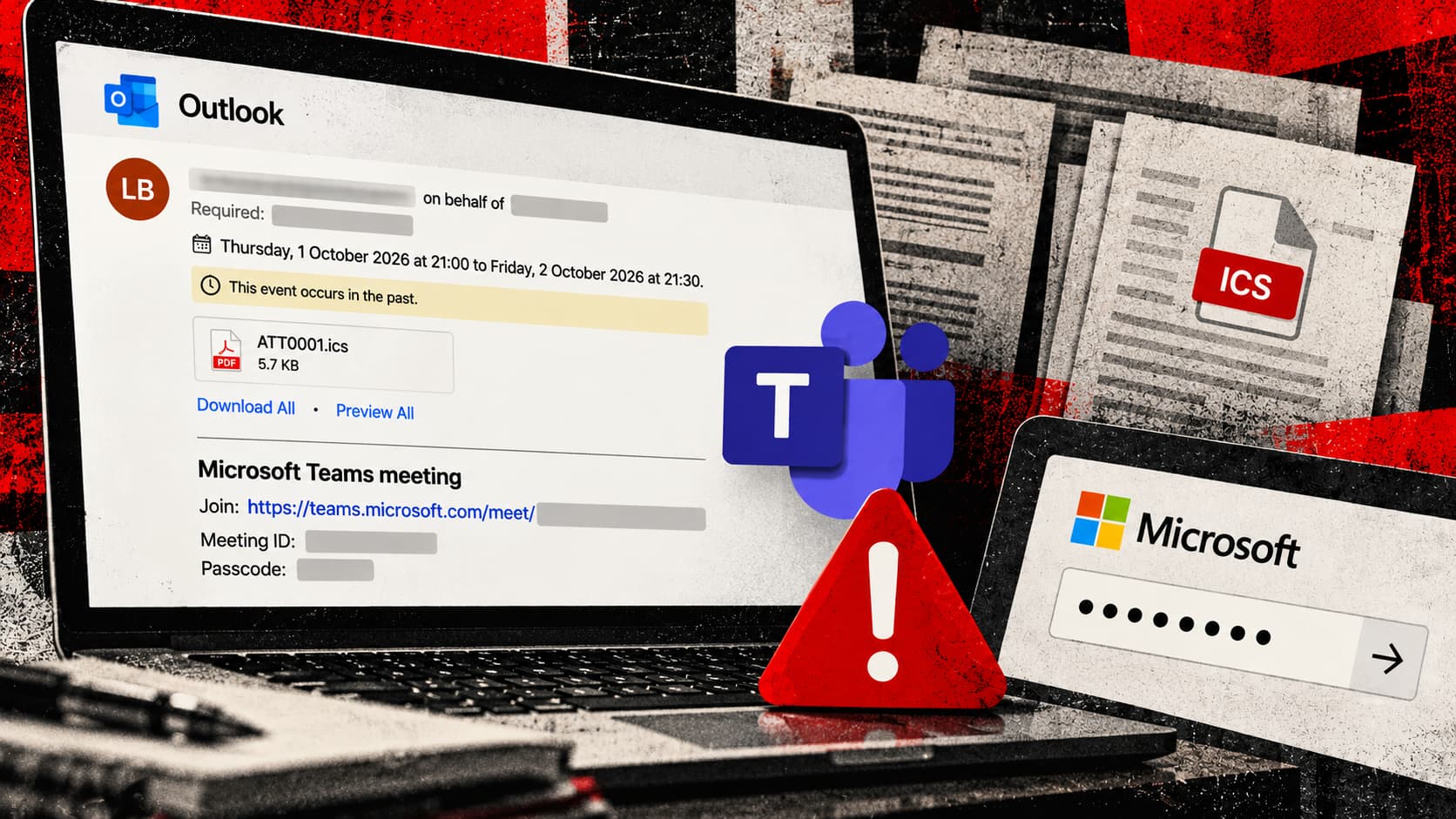
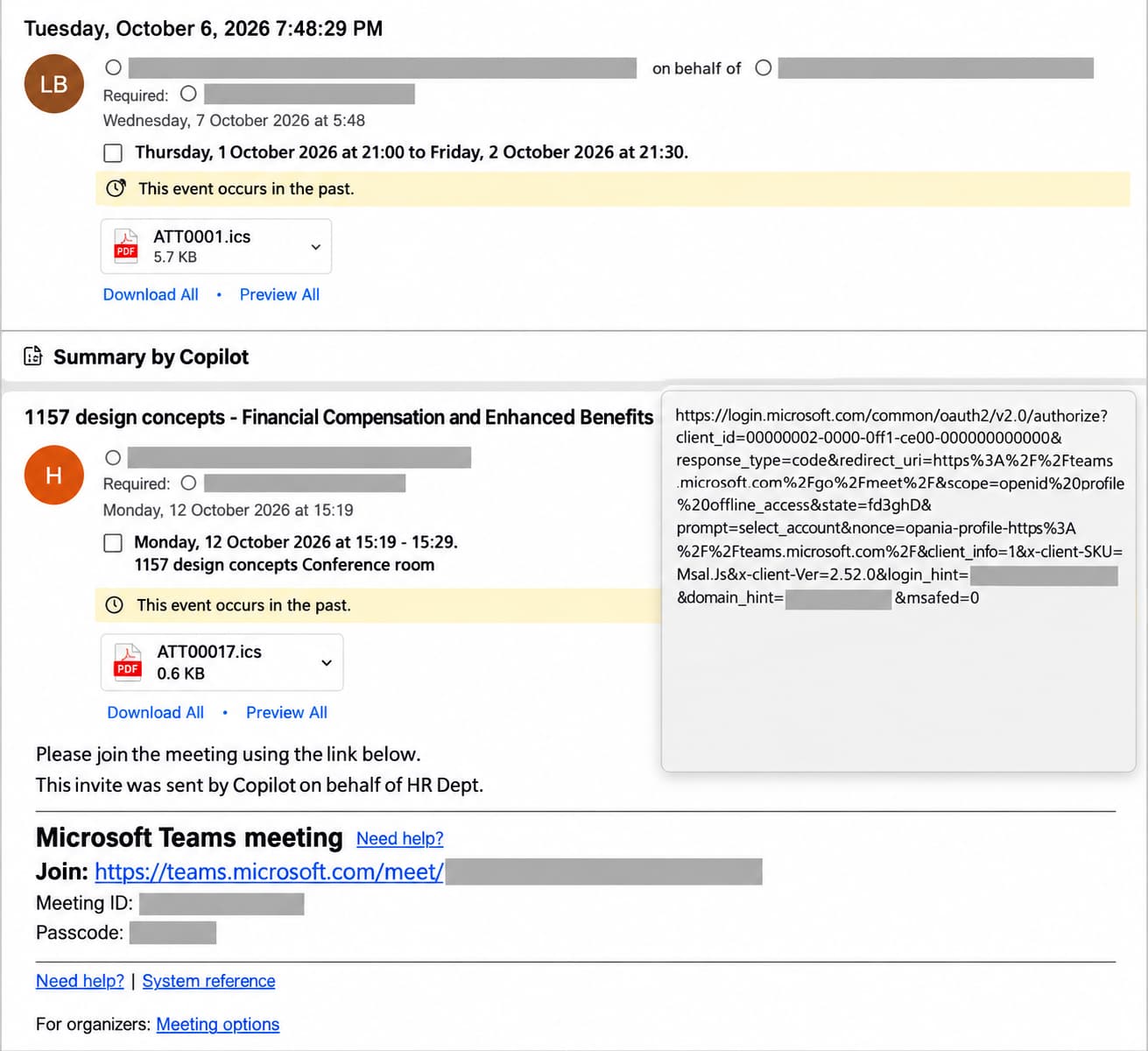
The phishing emails look like ordinary workplace meeting requests, including Microsoft Teams invitations. A recipient who follows the meeting link is taken to a fake Microsoft sign-in page that records the username and password entered there.
Some versions include an .ics attachment, the standard file format used for sharing calendar events. Because the attachment contains valid calendar data, it can open normally or add the meeting to a calendar, making the invitation appear genuine.
In other versions, the meeting link appears as a Microsoft Teams or Microsoft login address, while the underlying URL points elsewhere. However, hovering over the link before opening it can reveal the real destination.
According to researchers, the attackers are not exploiting a flaw in Microsoft Teams, Outlook or the .ics format. They are using familiar calendar features to make the phishing email look like a meeting request that belongs in the recipient’s working day.
Campaign Activity Increased in October
Check Point’s report said the campaigns averaged 8,319 emails for each active day and remained active on October 15.
A separate activity count included in the report shows that monthly volume rose from several thousand messages in April to more than 118,000 in September. More than 740,000 messages were recorded during the first two weeks of October, with almost 200,000 sent on October 8 alone.
The 740,000 figure should not be confused with the 302,386 unique phishing emails flagged by Check Point’s newer detection layer. The company presented them as separate measurements of campaign activity.
Why Calendar Phishing Can Work
Meeting invitations receive different treatment from ordinary emails because employees regularly accept requests from customers, suppliers, recruiters and colleagues they have not contacted before. Calendar applications can also display event details outside the original email, giving the lure another place to reach the recipient.
A convincing invitation may include a meeting title, date, attendee list and familiar Microsoft branding. Victims who follow the embedded link can reach a fake sign-in page that records the credentials they enter.
Stolen Microsoft credentials can give attackers access to email, OneDrive, SharePoint and other company services, depending on the account’s permissions and authentication controls. Compromised mailboxes can also be used to send more credible meeting invitations from a trusted address.
How Organizations Can Reduce the Risk
Employees should check the sender and actual link destination before joining an unexpected meeting or signing in through a calendar invitation. A Microsoft-branded page should not be trusted based on its appearance alone.
Administrators can reduce account theft by requiring phishing-resistant authentication, such as passkeys or hardware security keys. Email and calendar monitoring should also examine .ics attachments, newly registered sender domains and links that do not match the service named in the invitation.
Anyone who entered credentials through a suspicious meeting request should change the affected password, revoke active sessions and review the account for unfamiliar sign-ins, forwarding rules, registered devices and authentication methods.