




Press play to start listening
Turn still photos into animated videos with AI using Wondershare Filmora’s Image-to-Video tool for social media, marketing, and creative projects.
Static images can now be transformed into animated videos using AI-powered image-to-video technology. Instead of manually creating motion effects frame by frame, modern tools can automatically generate movement, camera motion, and visual transitions from a single photo.
For creators looking to turn photos into dynamic content, Wondershare Filmora‘s AI Image-to-Video feature provides a workflow that converts still images into animated video clips in just a few steps. Developed by Wondershare, Filmora is a video editing platform that combines AI-powered content generation with video editing tools for creators, educators, and businesses.
- Quick Answer
Wondershare Filmora allows users to convert photos into animated videos by uploading an image, selecting an AI animation effect or prompt, generating motion automatically, and exporting the final video for social media, marketing, or creative projects.
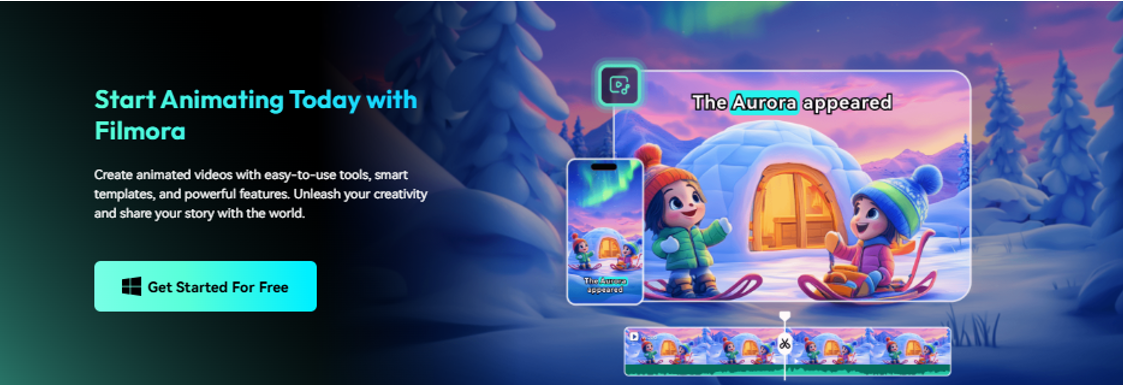
Why AI Photo Animation Is Becoming Popular
Static images remain one of the most common content formats online.
However, video continues to outperform images across many platforms, including YouTube Shorts, TikTok, Instagram Reels, and social advertising.
AI image-to-video technology helps bridge that gap by turning existing photos into moving content without requiring animation skills.
Instead of creating motion manually, AI can automatically generate:
- Subject motion
- Facial animation
- Camera movement
- Environmental effects
- Creative visual transformations
- Key Insight
Wondershare Filmora helps creators repurpose existing photos into video content without traditional animation workflows.
How Wondershare Filmora’s AI Image-to-Video Tool Works
Rather than simply applying filters, Wondershare Filmora uses AI generation technology to create new video frames between existing image information.
The system analyzes visual elements inside a photo and generates natural-looking motion based on selected templates, prompts, or animation styles.
Depending on the selected effect, AI can simulate:
- Facial expressions
- Character movement
- Environmental motion
- Cinematic transitions
- Camera zooms and pans
The result is a short animated video generated from a single image.
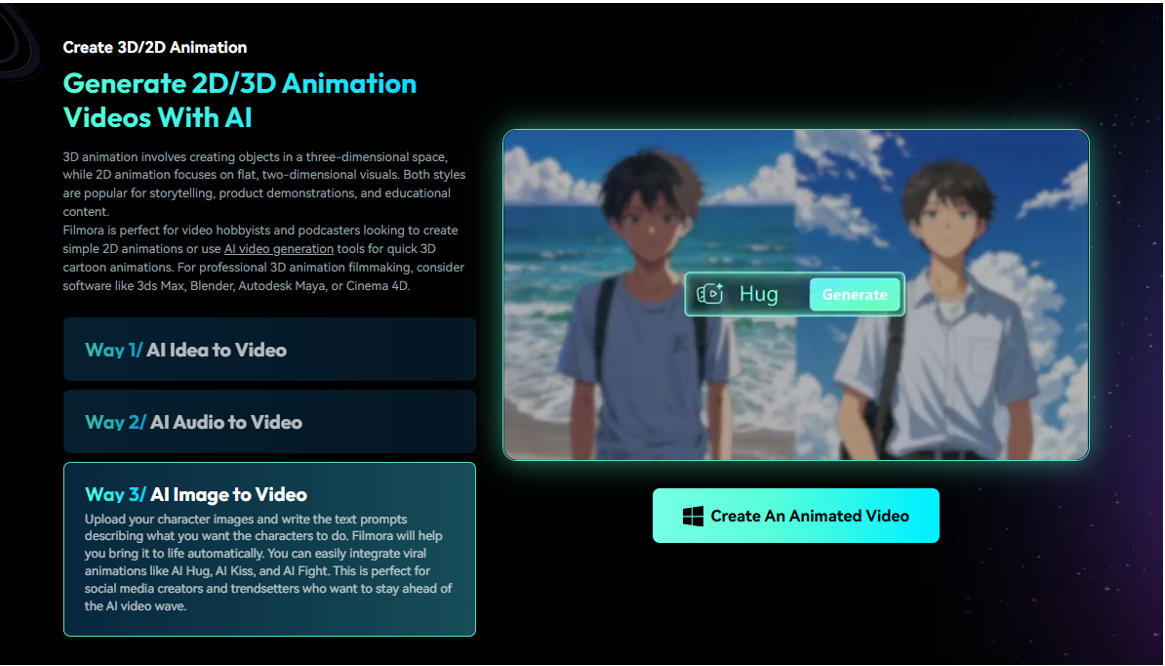
How to Convert Photos to Animated Videos with Wondershare Filmora
Step 1: Open AI Image to Video
Launch Wondershare Filmora and navigate to the **Image to Video** feature inside the AI Generation tools.
Step 2: Upload Your Photo
Import the image you want to animate.
Wondershare Filmora supports portraits, landscapes, illustrations, and other image types.
For best results, use high-resolution images with clear subjects.
Step 3: Choose an Animation Template or Prompt
Select from available AI animation styles or enter a custom prompt describing the motion you want to generate.
Depending on the template, effects may include:
- Cinematic motion
- Camera movement
- Character animation
- Creative visual transformations
Step 4: Generate the Video
Click Generate.
The AI analyzes the image and creates new motion frames automatically.
No manual keyframing or animation experience is required.
Step 5: Refine and Export
After generation, the animated clip can be sent directly to the Wondershare Filmora timeline.
Users can then:
- Add music
- Insert captions
- Apply transitions
- Combine multiple AI-generated clips
- Export for YouTube, TikTok, Instagram, or other platforms
- Key Takeaway
Wondershare Filmora combines AI image generation and video editing inside a single workflow, allowing users to animate photos and finish projects without switching tools.
Common Ways Creators Use AI Photo Animation
- Social Media Content
Turn personal photos into engaging Shorts, Reels, and TikTok videos.
- Marketing and Product Promotion
Transform product images into animated promotional content.
- Storytelling and Slideshows
Create more dynamic presentations from static image collections.
- Creative Projects
Generate cinematic motion effects from illustrations, artwork, or concept images.
Why Wondershare Filmora Stands Out for AI Photo Animation
Many AI image animation tools focus only on generation.
Wondershare Filmora combines image-to-video generation with a full editing workflow.
After generating animation, creators can continue working inside the same project using additional AI tools such as:
- Auto Captions
- AI Text-to-Video
- AI Music Generator
- AI Sound Effects
- AI Voice Generation
- AI Video Enhancer
This reduces the need to move assets between multiple platforms.
- Quick Summary
Wondershare Filmora helps creators generate animated videos from photos while also supporting editing, enhancement, and publishing within the same workflow.
FAQ
- Can AI turn a photo into a video?
Yes. AI image-to-video technology can generate motion, camera movement, and animation effects from a single photo.
- What is the easiest way to animate photos?
Tools like Wondershare Filmora simplify the process by automatically generating motion from uploaded images without requiring animation skills.
- Can I create animated videos from old photos?
Yes. Historical photos, portraits, and personal images can be animated using AI image-to-video generation tools.
- Do I need video editing experience?
No. Wondershare Filmora’s AI Image-to-Video feature is designed for beginners and can generate animated clips automatically.
Final Thoughts
AI image-to-video technology is making animation more accessible by allowing creators to transform static photos into dynamic visual content. Rather than requiring specialized animation skills, tools like Wondershare Filmora make it possible to generate motion, edit videos, and prepare content for publishing within a single workflow.