



Press play to start listening
Every site, ad network and tracker you load gets your IP address before anything else. Here is what they can work out from it, what they cannot, and what changes when you hide it.
Before a web page shows a single word, your device has already handed the server one piece of information: its IP address. There is no opting out of that step. The server needs a return address for the page, in the same way a letter needs one to get a reply.
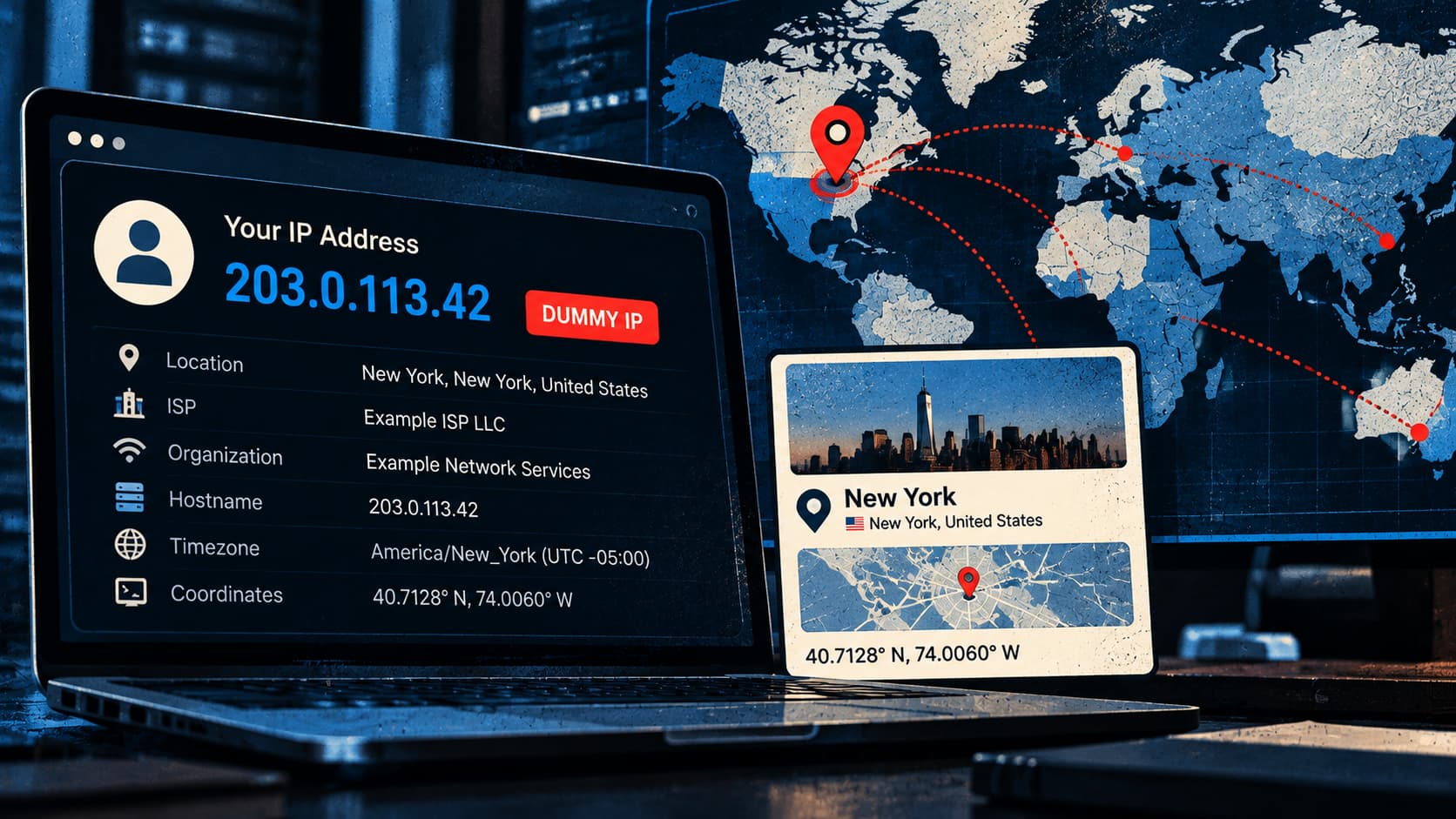
From that address alone, a website learns roughly where you are, which company sells you internet access, whether you are on a home line, an office network or a phone, and whether you are trying to hide. It learns all of that without a cookie, a login or your consent. It does not learn your name or where you live.
What a Website Reads From Your Address
A website does not work any of this out by itself. It looks the address up in an IP intelligence database, a commercial product that returns a profile in a few milliseconds.
Location comes first. MaxMind, one of the most widely used suppliers, estimates that its data places a visitor in the right country 99.8% of the time. For US addresses, it puts accuracy at about 80% for the state and 66% for the city, counted as anywhere within 50 km.
The network comes second. Every address sits in a block registered to an internet provider or another organisation, and those registrations are public. A site therefore knows your provider by name. If you browse from an office or a campus that has its own block, it may know your employer or university as well, and a whole category of sales software exists to tell companies which businesses looked at their pricing page.
Third is the kind of connection. MaxMind’s enterprise data sorts addresses into labels that include residential, cellular, business, college, government and hosting. A fraud system treats a home broadband line in the customer’s own city very differently from a rented server abroad.
Fourth is whether you are hiding. Data-centre ranges, commercial VPN servers, public proxies and Tor exit relays are catalogued and sold as lists. A site that buys them can flag most masked visitors, even when it cannot tell who is behind the mask.
What It Does Not Reveal
An IP address carries no name, street address, phone number or browsing history. MaxMind’s own documentation says its data is “never precise enough to identify or locate a specific household, individual, or street address.”
The coordinates in these databases are the middle of an estimate, and they come with an accuracy radius measured in kilometres. Reading them as a pin on a map has caused real harm.
For 14 years, MaxMind filed every US address it could not place under one default point: the centre of the country, rounded to a tidy latitude and longitude. That point sat on a rented farm near Potwin, Kansas, and more than 600 million addresses resolved to it.
The people living there were visited by police officers, FBI agents and tax collectors, all following a lookup to the wrong door. MaxMind moved its default point into a lake in 2016, after the journalist Kashmir Hill traced the cause for Fusion. The tenants sued the same year.
Phones blur the picture further. Carriers are short of IPv4 addresses, so they place many subscribers behind each public one, a practice called carrier-grade NAT.
A 2016 study presented at the ACM Internet Measurement Conference found it in over 92% of the cellular networks it examined. Over IPv4, the address a site sees from a phone on mobile data is usually shared with strangers and may change within the day. Over IPv6, the phone gets a range of its own.
Home broadband is the opposite case. Many providers leave the same address on a household for weeks or months, which makes it a dependable label for everyone under that roof.
Who Else Gets a Copy
The site in the address bar is rarely the only recipient. A modern page is assembled from many sources: ad exchanges, analytics scripts, fonts, video players and social buttons. Your browser fetches each one directly, so each of those companies receives your address as well, on every site that embeds them.
Email works the same way. Open a message with remote images switched on and the sender’s server learns the address of wherever you are reading it. Gmail has fetched images through its own servers since 2013, and Apple’s Mail Privacy Protection relays them when it is switched on. Many other mail apps still load them directly.
Some services connect users to each other. File-sharing swarms, some multiplayer games and one-to-one calls in several messaging apps are peer-to-peer, so each side sees the other’s address. WhatsApp added a setting in 2023 that routes calls through its own servers for that reason.
Messaging apps have leaked addresses in other ways too. In January 2026, Hackread reported that a disguised link in Telegram could reveal a user’s real address with a single tap.
How an Address Becomes a Person
An address stays anonymous only until something is filed next to it. The moment you sign in, a site holds your account and your address side by side, and it can recognise the address the next time you arrive signed out.
Advertising firms use the home IP address as a household key. A phone, a laptop and a smart TV that share one connection are assumed to belong to one home, which is how an advert shown on the television turns up later on a phone.
For a site you have never signed in to, the party that can reliably turn the address into a name is the internet provider, which logs which customer held it at a given time. Police obtain that record with a legal order, and so do copyright holders in file-sharing lawsuits.
Even then, the name belongs to whoever pays the bill. In 2018, a US appeals court upheld the dismissal of a film company’s case against an Oregon man whose connection served the residents and visitors of a care home he ran. Being the registered subscriber of an address, the court said in Cobbler Nevada v. Gonzales, is not enough on its own to show who used it.
European law does not wait for a name. The GDPR’s preamble names IP addresses among the online identifiers that can be used to profile and identify people. The EU’s top court ruled in 2016 that even a changing address can be personal data when a site has a legal route to the subscriber behind it.
What Hiding It Changes
Every way to hide your IP address works on the same principle: another machine makes the connection, and the site sees that machine’s address in place of yours.
A VPN carries all of a device’s traffic through the provider’s server. A proxy does the same for a single browser or app. Commercial proxy services can present an ordinary home or mobile address in a chosen city, which is why businesses use them to check prices and adverts abroad. Tor passes traffic through three volunteer relays so that no single relay knows both who you are and where you are going. Apple’s iCloud Private Relay gives paying iCloud subscribers a two-relay version for Safari.
All of them move trust, and none removes it. A VPN or proxy operator sees both your real address and the sites you connect to, so the choice of operator matters more than the technology. Tor and Private Relay split that knowledge between relays. The methods also differ in how much speed they cost and which sites turn them away.
None of them changes what a site learns after the page loads, either. Cookies, a browser fingerprint and above all a login identify you with or without the address. The masking itself is visible too, because VPN ranges and Tor exits are on the lists described above.
A Two-Minute Check
The quickest way to see all of this is to look yourself up. Any IP lookup site shows the profile a stranger gets: the city, the provider, the connection type and whether the address is flagged as a VPN or proxy.
Then repeat the lookup with your usual protection switched on, and run a WebRTC leak test in the same browser, because that calling feature can send a real address around a proxy. If the lookup now shows the relay’s provider and nothing leaks, the address is covered.
An IP address only says where a connection comes from, and it becomes personal through what is stored beside it. Hiding it is worth the effort only alongside the things that fill in the rest: staying signed out where you can and choosing carefully who carries your traffic.