




Press play to start listening
What did you last record on your iPhone? A lecture, perhaps, a call with your landlord, or notes from a doctor’s appointment you wanted to remember. Whether you used Apple’s Voice Memos or a recorder app like Voice Recorder+ AI Note Taker, that audio is stored somewhere. Where it is stored, and who can access it, deserves as much attention as the recording itself.
Most of us would happily hand over our browsing history before our voice memos. A recording has your voice, other people’s voices, names, numbers, and sometimes a home address read aloud. And yet we treat these files like sticky notes. Record, forget, never delete.
There’s a newer reason to care, too. Voice cloning tools have gotten scarily good, and they need exactly what a long, clean recording of you talking provides. Not a reason to panic. Just a reason not to leave hours of your voice lying around in folders you forgot existed. None of this takes long to fix, though. Most of it is settings you flip once.
Where Your Recordings Actually Go
Short answer: more places than you’d guess. A recording starts on the phone. But if you use Voice Memos with iCloud switched on, it also shows up on every Apple device signed in to the same account. Super convenient, right up until you remember the old iPad your family still passes around.
File names leak stuff too. With Location-based Naming turned on, Voice Memos names each new recording after where you made it. Send “Recording at 18 Elm Street” to a group chat and, well, you’ve shared a bit more than audio.
Then there’s transcription. Loads of apps turn speech into text now, and plenty of them do it by uploading your audio to a server somewhere. That’s not automatically bad. You just want to know when it happens, whether the file sticks around afterwards, and whether it’s used to train anything. If the privacy policy dances around those three, that’s kind of your answer.
Pick the App Before You Need It
Most people choose a recording app in a panic, about five seconds before a meeting starts. Better to decide while you’re calm. Here’s what I’d look for:
- a plain-English note on what leaves the device and when
- exports in normal formats (MP3, M4A, WAV), so you’re not stuck
- folders, so the sensitive stuff isn’t sitting next to your grocery lists
- recordings saved on the phone by default, not pushed to someone else’s cloud
The model you want is basically “local first, cloud only when I ask.” Whatever app you end up with, check that one thing.
Also worth a look: can you lock the app with Face ID or a passcode? And when you delete a recording, is it actually gone, or does it hang around in a “recently deleted” folder for weeks? Small stuff, but it adds up.
A VPN Helps. Just Not Where You’d Think
“Use a VPN and you’re safe” leaves out several risks when handling audio recordings. HTTPS already encrypts a recording while it travels from an app to its server. A VPN can also hide destination addresses and DNS requests from the local Wi-Fi operator, depending on its configuration.
That can help when uploading interviews from a café, hotel or airport, but it does not control how the recording app stores, processes or shares your audio once it arrives.
One practical thing. Big audio files take a while to upload, WAV especially, so the upload is often still crawling along while you’re halfway out the café door. Keep the VPN on until it finishes, instead of only while the app is open on your screen.
What a VPN can’t do is fix storage. A recording sitting in a shared Drive folder behind a public link is exposed no matter how carefully you connected when you uploaded it. So my order of priorities goes: storage first, sharing second, network third.
The Legal Bit Nobody Reads
Recording other people comes with rules, and they change depending on where you are. In California, for example, recording a confidential conversation without everyone’s consent can cost up to $2,500 per violation under Penal Code 632. A bunch of other US states also want everyone on board, and lots of countries have their own versions.
The easy fix? Ask out loud at the start. “Mind if I record this?” You get permission, and the “yes” ends up right there on the tape. Nice little bonus.
A Ten-Minute Cleanup
If you’ve never looked at your recordings with privacy in mind, start here:
- Turn off location-based file names.
- Lock the Voice Memos App (iOS 18 or later)
- Check which recordings sync to iCloud, and which devices can see them.
- Delete audio you’ve already transcribed and don’t need anymore.
- Dig up old recordings you shared in chats and get rid of copies nobody needs.
- Set a passcode if you somehow don’t have one. iOS file encryption leans on it.
Honestly, most leaks from recordings aren’t hacks at all. They’re a file forwarded once too often, into a group chat nobody remembers joining.
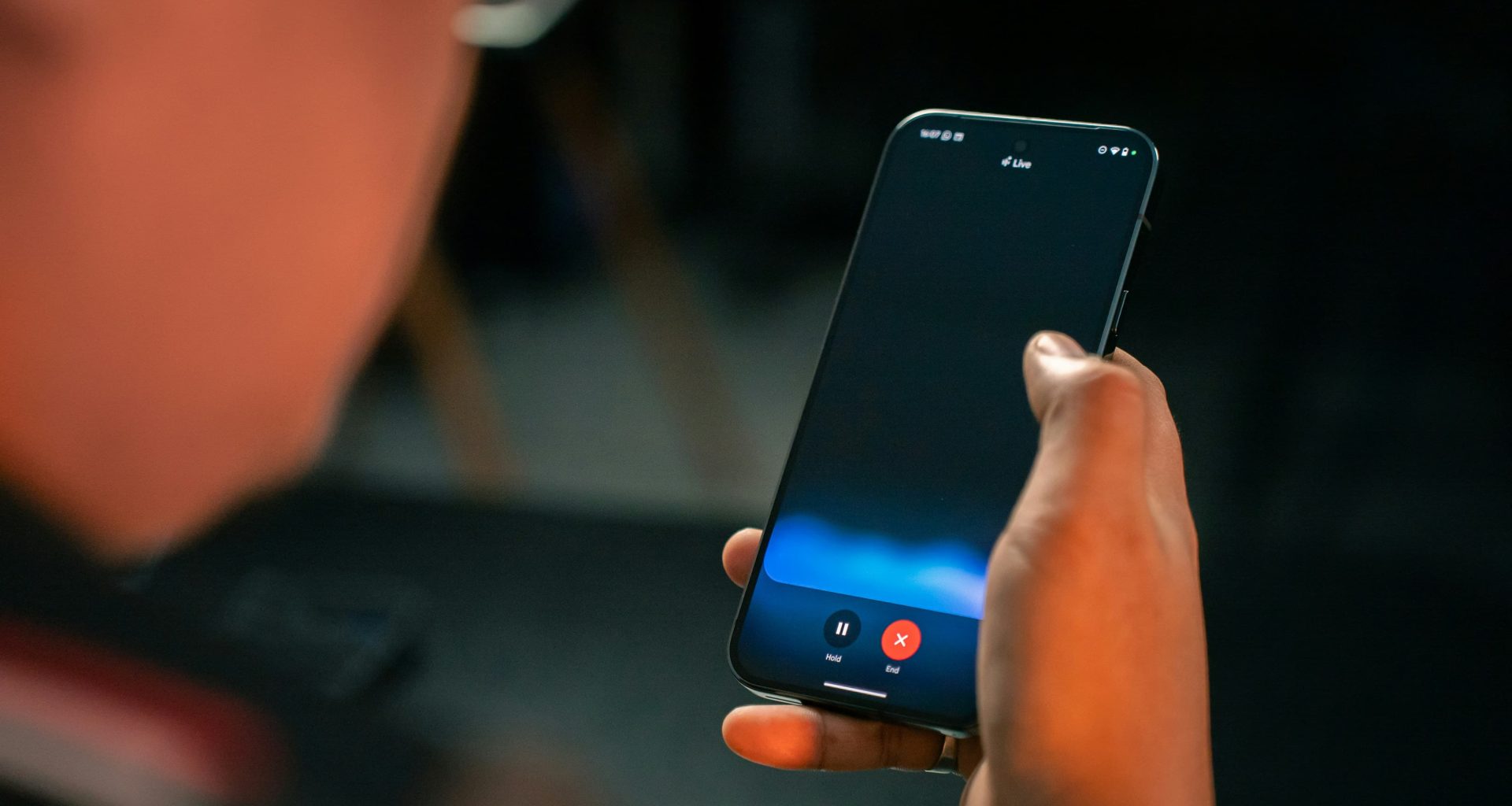
(Photo by Amanz on Unsplash)