




Press play to start listening
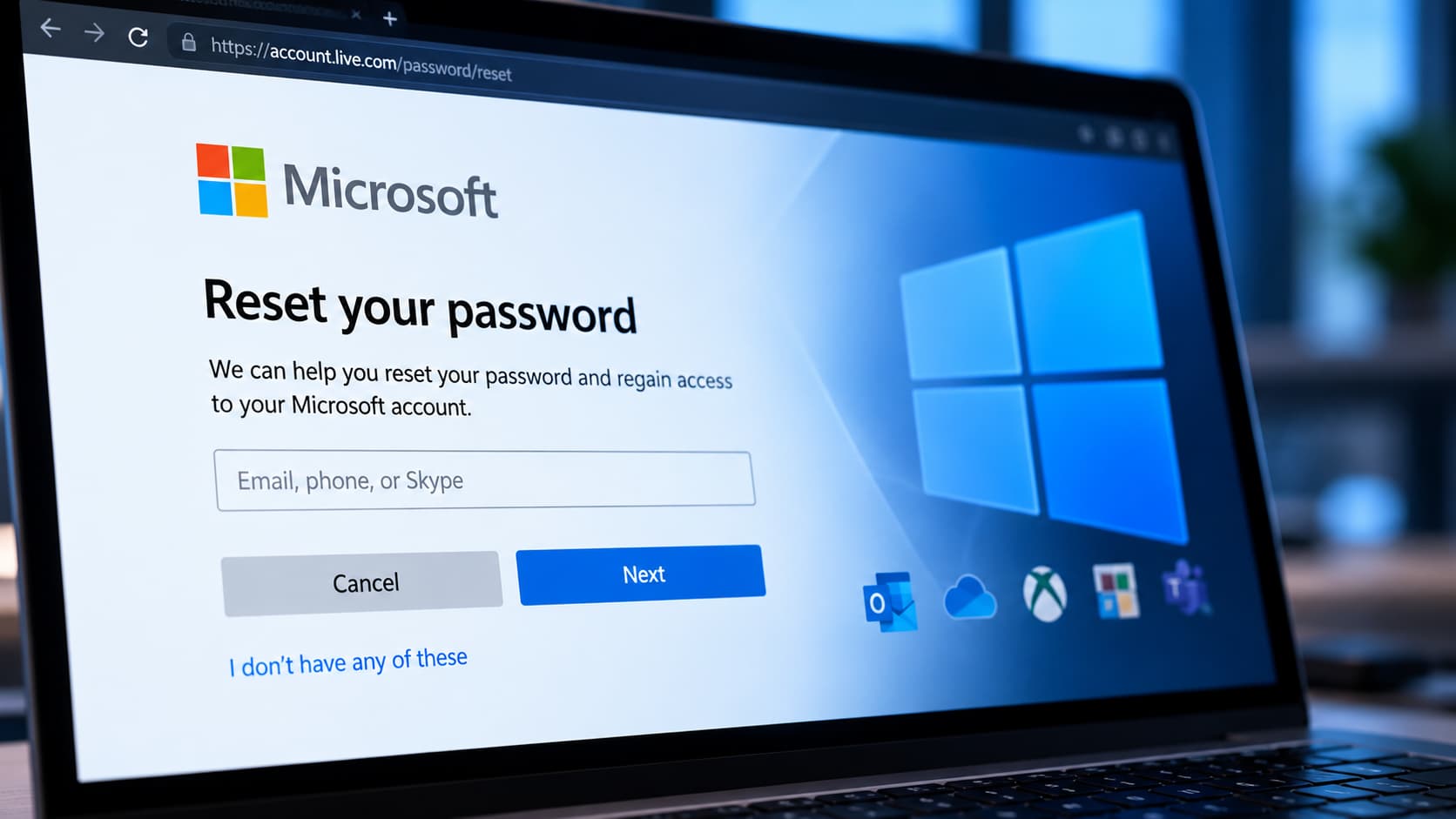
Microsoft’s password-reset portal can be used to identify valid user accounts and, in some cases, reveal their registered password-reset verification methods without requiring authentication, according to research from LevelBlue SpiderLabs shared with Hackread.com.
The finding involves Microsoft’s public Self-Service Password Reset (SSPR) portal, a legitimate service that allows users to recover forgotten passwords without contacting their organization’s helpdesk. SpiderLabs found that the portal’s responses can provide attackers with useful reconnaissance information before they attempt to compromise an account.
Password Reset Portal Reveals Account Details
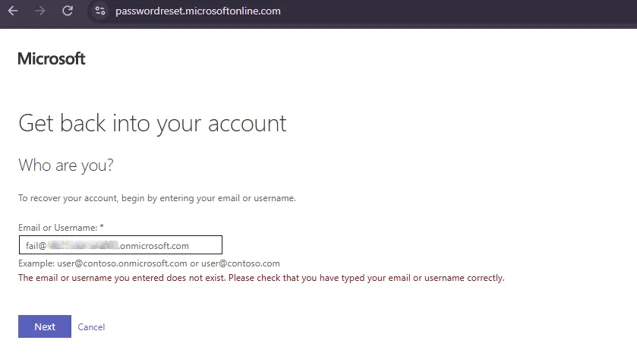
Researchers found that submitting an email address to the SSPR portal produces different responses depending on whether the account exists. A valid account can advance to the verification stage, while an invalid address produces a different response. The distinction can also be identified through a hidden CurrentViewName field returned by the portal.
Responses such as SSPR_0011 and SSPR_0013, which indicate policy restrictions or group exclusions, can also confirm that the account exists because the server has already resolved the user before applying the relevant policy.
For accounts where SSPR is available, the portal can reveal registered password-reset methods, including SMS, alternate email addresses and authenticator apps. SSPR and MFA use separate method registries, although they often overlap through Microsoft’s combined registration process. The results therefore do not necessarily reveal every authentication method protecting the account.
Admin Accounts Can Become High-Value Targets
SpiderLabs’ research also found that Microsoft’s treatment of administrator accounts can expose likely privileged users under certain tenant configurations.
Microsoft keeps SSPR available for administrator accounts regardless of the policy applied to standard users. If SSPR is disabled for ordinary users, an account that still reaches the verification-method screen is likely to hold an administrative role. Attackers could use this difference to identify high-value accounts for phishing or social-engineering attacks.
To demonstrate how the technique could be automated, SpiderLabs developed ResetSpy, a Python tool that checks lists of email addresses, analyzes the portal’s responses and identifies available SSPR verification methods. The tool can also export results to CSV. This allows the process to be applied across larger account lists.
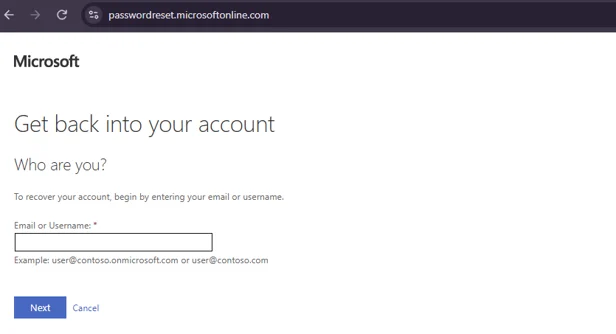
The researchers also noted that Microsoft removed the legacy CAPTCHA from the SSPR flow in August 2026, replacing it with backend throttling and behavior-based abuse detection. This means organizations must rely on Microsoft’s newer anti-abuse controls rather than the previous visual challenge.
SpiderLabs recommends monitoring Entra Audit Logs for unusual SSPR activity and restricting SSPR access where appropriate. Organizations should also remove weaker verification methods where possible and require phishing-resistant authentication for privileged accounts.
The portal does not provide passwords or direct account access. It gives attackers information they could use to confirm targets, identify likely administrator accounts and select phishing methods based on the recovery options registered to each user.