





Press play to start listening
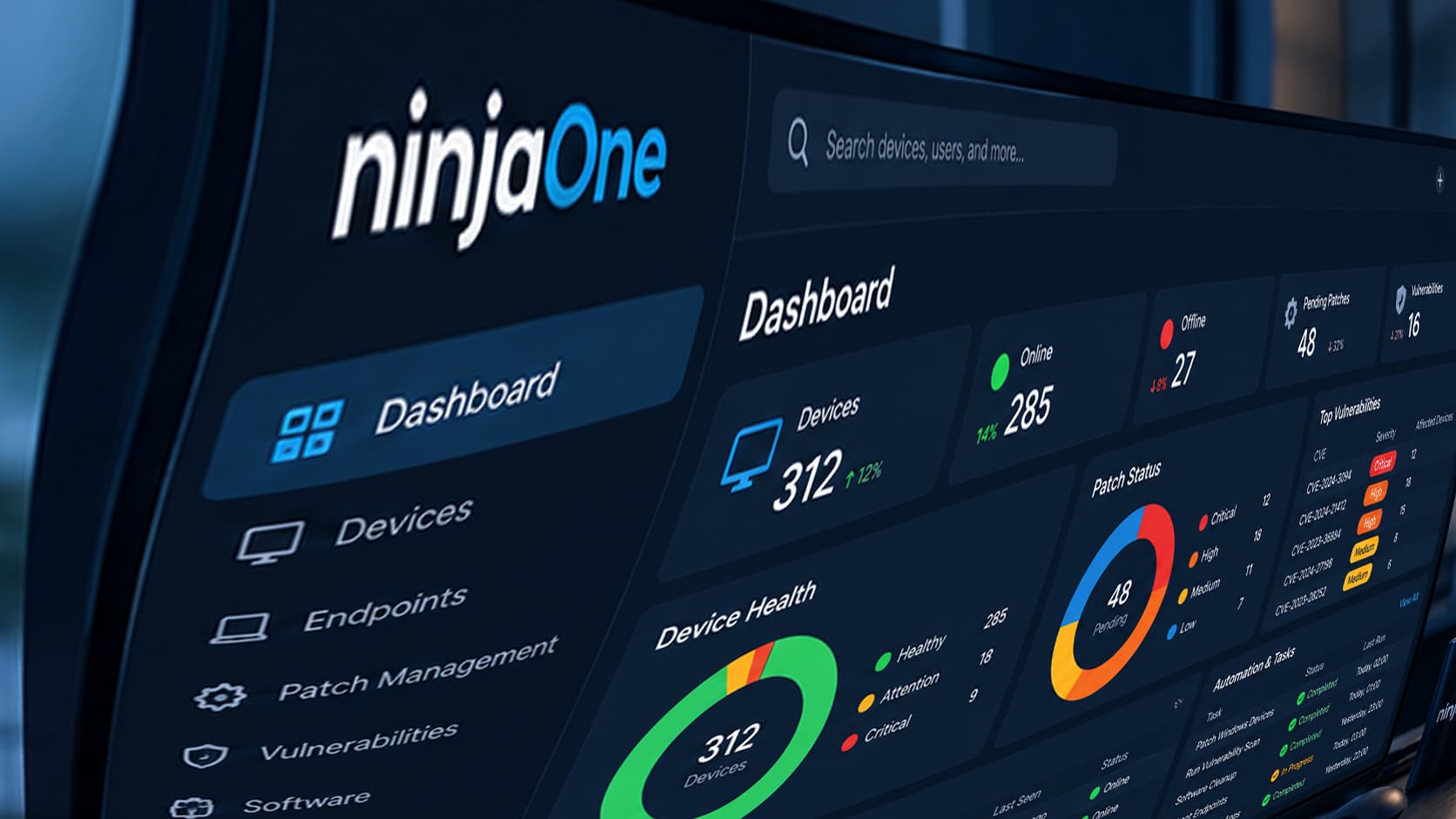
NinjaOne is a broad remote monitoring and management (RMM) platform. Many IT teams, though, spend most of their time on a narrower set of jobs: patching, deploying software, fixing vulnerabilities, and remoting into devices.
If that sounds like your workload, a focused tool can cover what you need without paying for modules you won’t use. This guide compares five NinjaOne alternatives on scope, OS coverage, vulnerability workflow, and how each one prices.
Key Takeaways
- Scope: NinjaOne bundles monitoring with options for ticketing, backup, documentation, and mobile device management. Most alternatives here focus on endpoint work.
- Pricing models differ: The options below use published per-device tiers, per-technician plans, free tiers, or edition-based licensing. NinjaOne sells per endpoint through custom quotes.
- Vulnerability workflow: The strongest options connect a finding to a fix and a confirmation in one console, so you don’t need a separate scanner.
- OS coverage: Teams that need Linux should check support carefully, because coverage varies across these tools.
What to Compare Before You Switch
Start with the work your team actually does each week. If most tickets involve outdated software, failed installs, and open CVEs, prioritize deployment and remediation depth over feature count.
Next, check how pricing is built. Some tools publish rates. Others quote per endpoint and price extra modules separately.
Compare the total cost for your device count, including any tier you’d need for vulnerability management or remote access.
Finally, test offline behavior. Laptops that miss a deployment window should catch up automatically when they reconnect.
The 5 Best NinjaOne Alternatives
1. PDQ
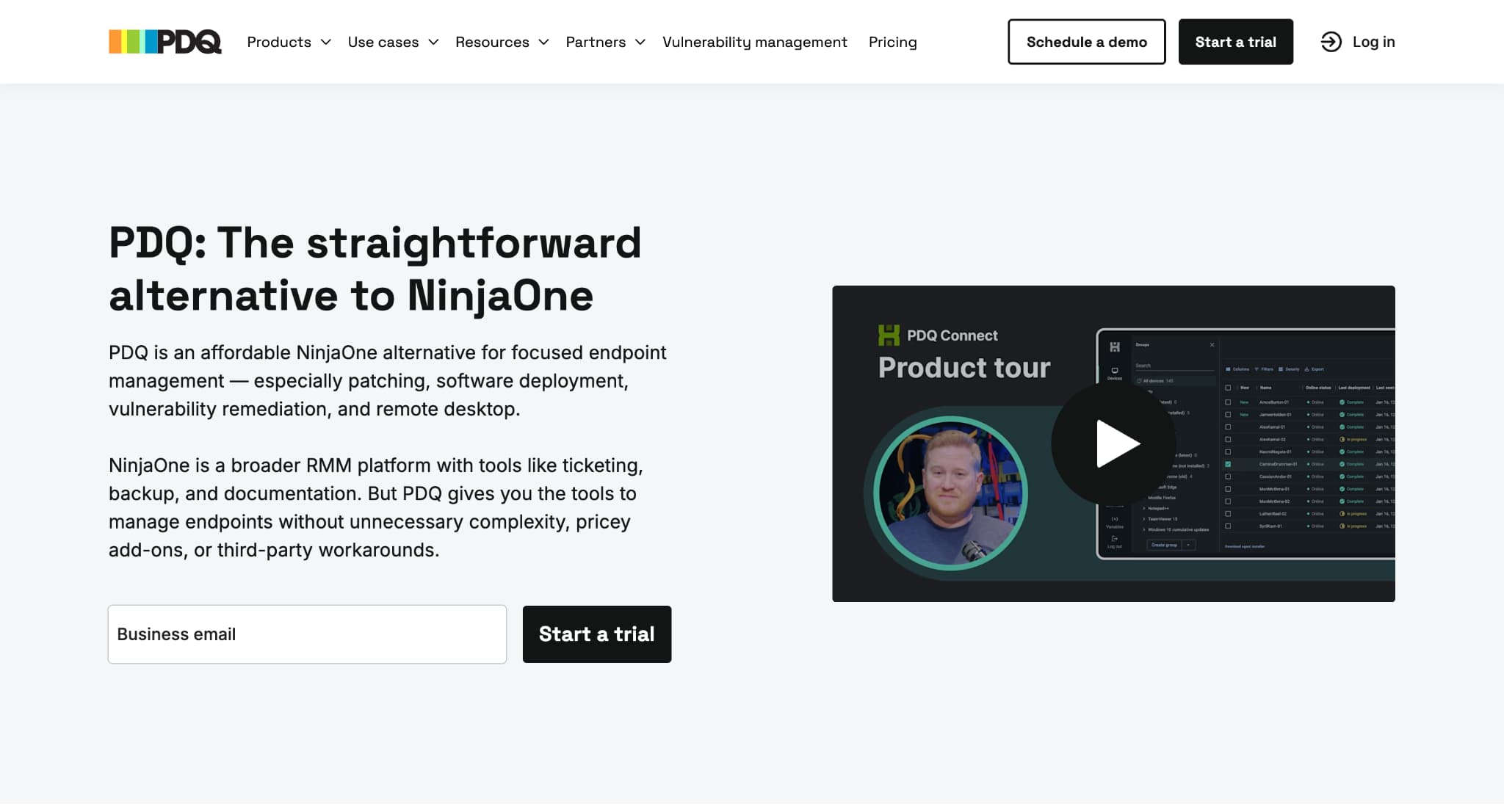
Built for sysadmins who mainly need patching, software deployment, vulnerability remediation, and remote desktop, PDQ offers a cloud endpoint manager for Windows and macOS that works without a VPN.
Deployments pull from a curated, virus-scanned package library or from custom packages. They can run on a schedule or on triggers, and they queue for offline devices until those devices reconnect.
Best for: Internal IT teams and MSPs managing Windows and macOS fleets that don’t need a full RMM.
Pricing: Published annual tiers of $12 (Basic), $18 (Plus), and $28 (Premium) per device, with a 100-device minimum. The 14-day trial covers up to 250 devices with no credit card.
Where it beats NinjaOne: You get published pricing with no custom quote. Premium adds vulnerability scanning, prioritization, and one-click CVE resolution in the same console.
Trade-off: There’s no Linux support, ticketing, backup, or documentation. The platform integrates with tools like Freshservice, Jira, and Entra ID instead.
2. Atera
Atera combines RMM with a built-in helpdesk. It charges per technician rather than per device, with unlimited endpoints on every plan, and it runs separate plan lines for internal IT departments and MSPs.
Best for: Small teams or MSPs with many devices per technician who want ticketing in the same tool.
Pricing: Per technician per month, with unlimited devices. Extras such as network discovery are sold as add-ons. The 30-day free trial doesn’t need a credit card.
Where it beats NinjaOne: Adding devices doesn’t raise the bill, so growing fleets keep costs predictable.
Trade-off: Anyone who needs console access requires a technician license, so costs rise with team size.
3. Automox

Automox is a cloud-native patching platform for Windows, macOS, and Linux, covering operating system and third-party application updates. Policies run continuously once set, and Worklet scripts extend automation to configuration tasks.
Best for: Teams with Linux endpoints whose main job is keeping systems patched.
Pricing: Per endpoint. The entry tier covers OS patching only, while third-party patching titles sit in custom-priced tiers.
Where it beats NinjaOne: It offers a patch-focused console with Linux coverage and no full RMM to configure.
Trade-off: Third-party application patching requires a quote-based tier, so budget for it up front.
4. Action1
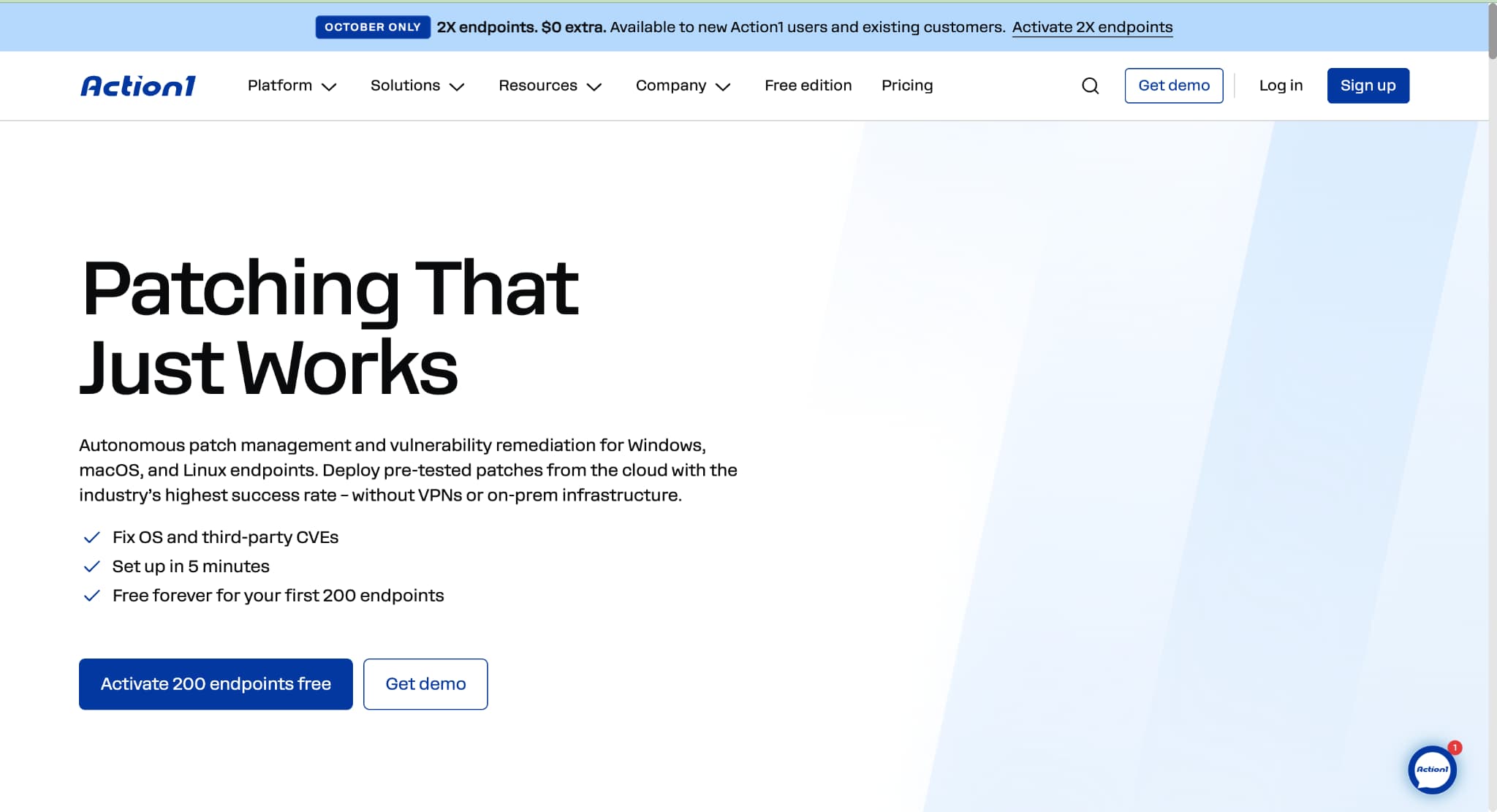
Action1 handles patch management for Windows, macOS, and Linux from a browser, with no VPN required. It covers OS and third-party updates, includes vulnerability assessment, and can patch endpoints while they’re offline.
Best for: Smaller fleets that want to start without a license cost.
Pricing: The first 200 endpoints are free with full functionality. This is a permanent free tier, not a trial. Larger fleets move to a paid plan.
Where it beats NinjaOne: Organizations under 200 endpoints pay nothing for patching and vulnerability visibility.
Trade-off: Native Linux agent support arrived in December 2025, so test it carefully against your distributions.
5. ManageEngine Endpoint Central
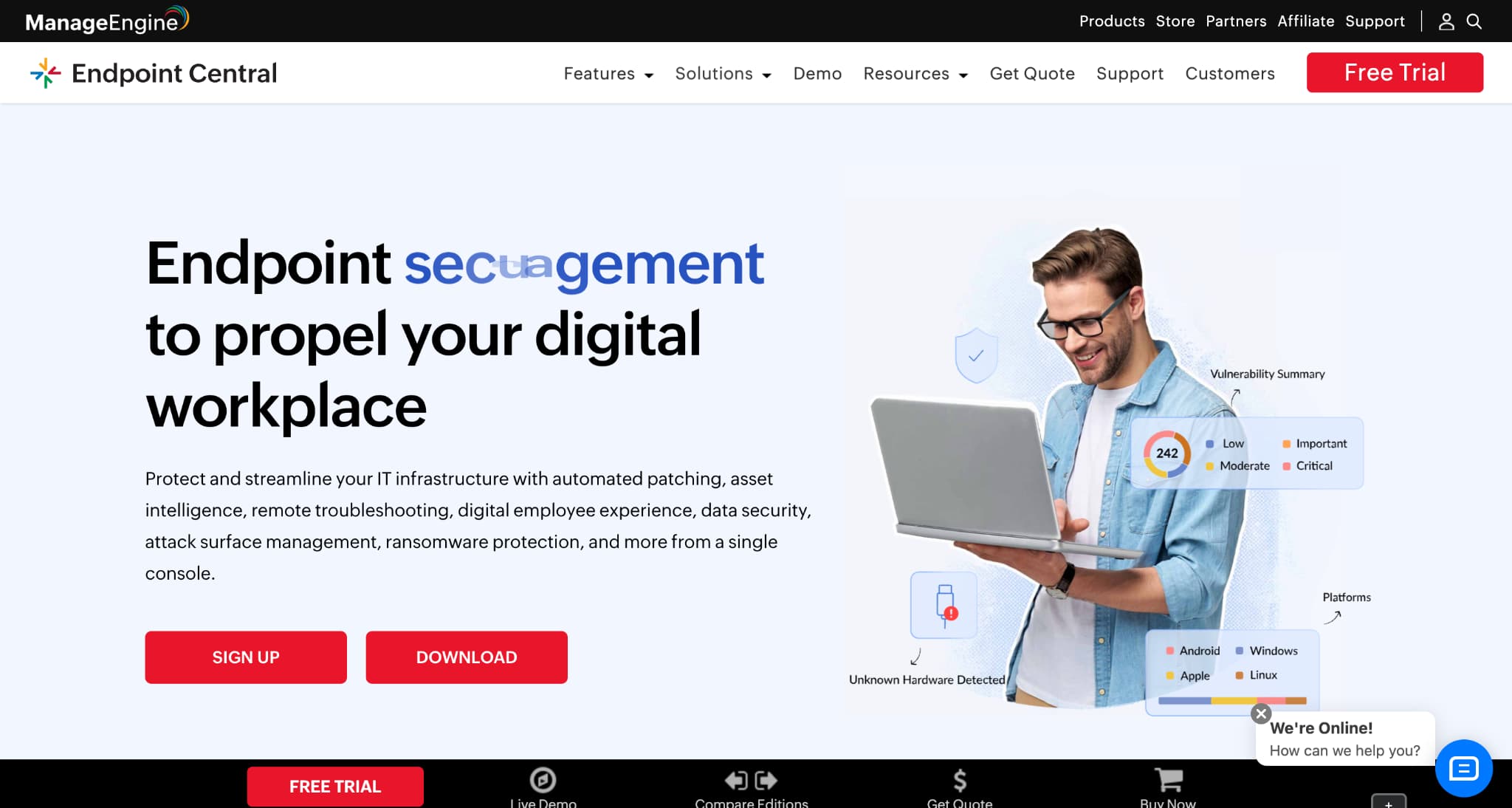
Endpoint Central is a unified endpoint management platform covering Windows, Mac, and Linux desktops as well as mobile devices. It’s available as a cloud subscription or an on-premises license.
Best for: Organizations that need on-premises deployment or mobile management in the same tool.
Pricing: A free edition covers up to 25 endpoints. Paid licensing runs across Professional, Enterprise, UEM, and Security editions.
Where it beats NinjaOne: You can run it fully on-premises.
Trade-off: Windows laptop and macOS MDM require the UEM or Security edition, and OS imaging is an add-on in some editions.
When NinjaOne Is Still the Right Call
NinjaOne makes sense when your requirements reach beyond endpoints. It supports Windows, macOS, and Linux, and it offers modules for ticketing, backup, documentation, and mobile device management.
Each module is priced per endpoint on top of the core subscription, so get a full quote for the modules you’d actually use before comparing totals.
How to Run a Fair Pilot
Use the same representative devices in each tool you shortlist. Push a routine update, force a failed install, and take a laptop offline mid-deployment. Then measure how long it takes to go from a reported vulnerability to a confirmed fix.
That speed matters most in heavy release months, like when Microsoft’s July 2026 Patch Tuesday shipped fixes for 622 flaws, including two exploited zero-days. Those results will tell you more than any feature checklist.”
FAQ
What’s the cheapest NinjaOne alternative?
Action1 is free for the first 200 endpoints, and ManageEngine Endpoint Central has a free edition for up to 25. For larger fleets, compare published per-device tiers against quoted per-endpoint rates at your actual device count.
Does NinjaOne publish its pricing?
NinjaOne charges per endpoint per month through custom quotes, so confirm rates and module costs with its sales team.
Which alternatives support Linux?
Atera, Automox, Action1, and ManageEngine Endpoint Central support Linux. Check distribution support during your pilot.
Do I need a full RMM?
Only if you need monitoring, ticketing, backup, or documentation in one platform. Teams focused on patching, deployment, and remediation can often use a dedicated endpoint manager instead.


