





Press play to start listening
The GitHub Actions cache is commonly used as a timesaver in the dev community. It allows developers to shortcut the laborious process of downloading and installing dependencies and having to rebuild outputs, which makes builds faster and cheaper. While this is certainly praiseworthy, it can create a loophole for malicious actors to exploit.
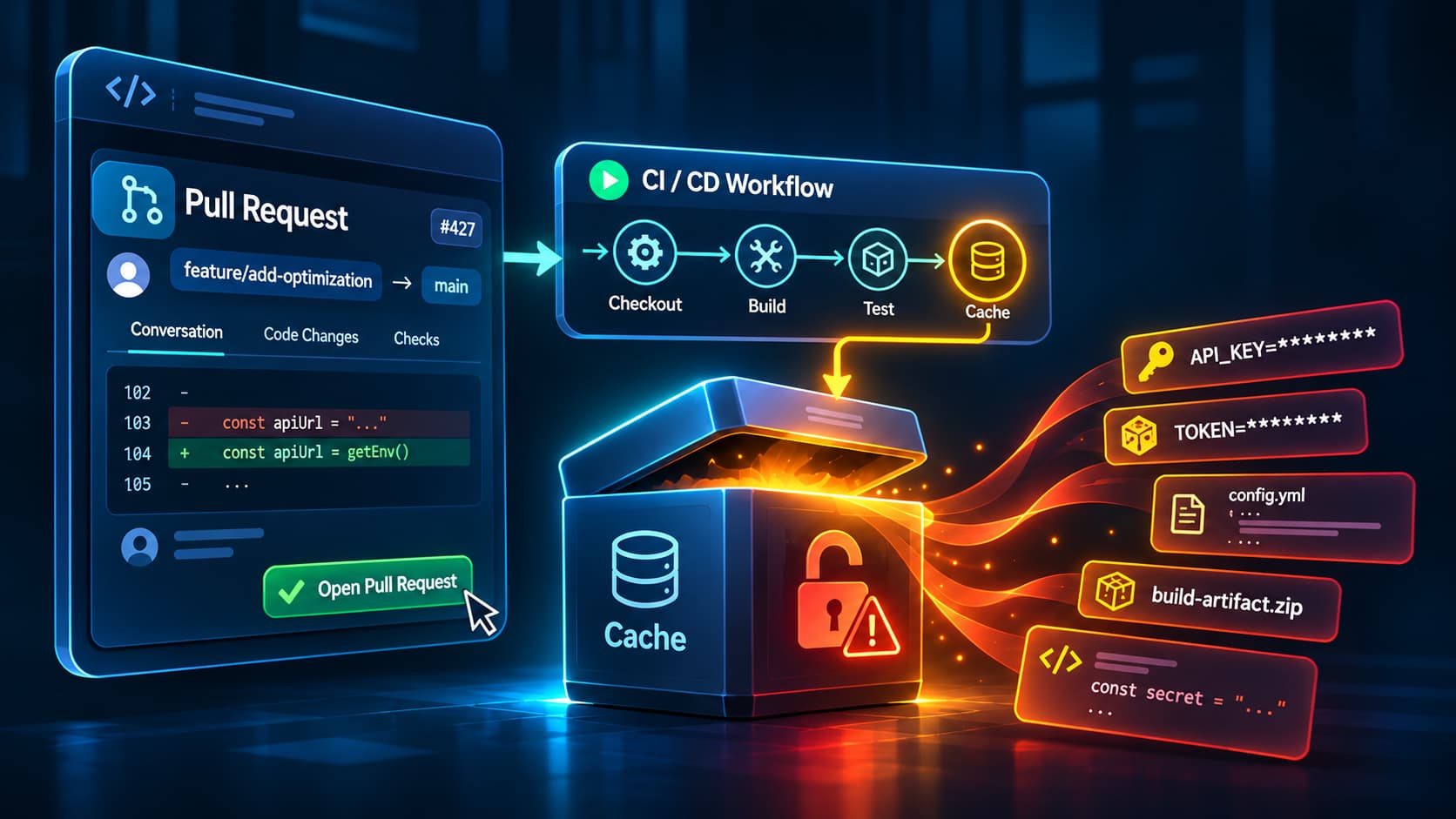
GitHub lets pull request runs restore caches from the base branch, and that includes pull requests opened from forks, by people outside your team. That means that if you’re running a public repository, anyone can create a fork and read whatever has been cached on the main branch. Even with private repositories, anyone with read access can run the same stunt, which could be an enormous number of people if you aren’t careful about rescinding permissions.
This is not just a theoretical danger. The GhostAction campaign showed how attractive CI credentials are. Attackers read projects’ existing workflow files to learn which secrets they used, then committed malicious workflows with those secret names hardcoded to steal them.
To be fair, your GitHub Actions cache is not necessarily a problem unto itself. It’s still a smart way to make dev workflows more efficient. The problem arises when people are careless about what gets stored in cached paths. A pull request with no access to secrets whatsoever can still read them if those credentials are bundled together in a cache.
How Pull Requests Read the GitHub Actions Cache
GitHub won’t pass secrets to untrusted workflows from forks, and the GITHUB_TOKEN there is read-only, so malicious workflows can’t use it to make unauthorized changes. But GitHub is quite clear that anyone with read access to a repository can create a pull request and access the content of a cache. It’s equally open in warning users that forks can create pull requests and access caches on a base branch.
There are safeguards in place. Caches that are created by a pull request can only be restored by reruns of the same request, which protects the main from being poisoned by a maliciously created cache. There’s also no way to edit a cache after it’s been created, so attackers can’t adapt an existing cache and use that to insert malicious content.
Neither safeguard limits reading, though. If secrets have been written into a cached path on main, a fork’s workflow can restore them without ever having access to the secrets themselves.
Credentials That End Up in Cached Paths
Keeping secrets out of GitHub Actions caches is a long-known best practice. GitHub itself warns against storing sensitive data in cached paths because of the risk of access from pull request workflows. The trouble is that secrets can end up in caches unintentionally, especially when dev teams aren’t warned to look out for this security risk.
There are many ways that secrets can lodge in caches. Most often, it’s because cache paths are too broad, like someone cached the entire home directory or the full workspace to raise the cache hit rate.
The docker login command, for example, saves registry credentials to ~/.docker/config.json by default, so later commands can pull and push images without logging in again. Package manager config files may hold authentication tokens to access private packages, and cloud command-line tools store credentials locally too, the AWS CLI in ~/.aws and the Azure CLI in ~/.azure. API keys, passwords, and other environment variable values can be stored in .env files or embedded in build outputs and cached by mistake.
Why a Leaked Cache Entry Stays Dangerous
It’s true that GitHub regularly clears out cache entries. Anything that hasn’t been accessed for seven days gets deleted as a matter of course.
But that is not the same as removing credentials. If a pull request restores a cache, the credentials come along with it and can be copied anywhere you like.
And those credentials are most likely still active and effective. One recent report found that 64% of valid secrets from 2022 were still not revoked in 2026. A token copied out of a cache could stay usable just as long, well after the cache itself is gone.
Keeping Credentials Out of the GitHub Actions Cache
The very best protection is to stop any credentials from getting cached in the first place. Only relevant folders should be cached, the ones that hold dependencies and build outputs that take time and effort to restore without caching. Complete home directories and workspaces should never be cached, because they’re more likely to hold secrets.
Good housekeeping habits like logging out and clearing credentials before caching anything can help prevent caching secrets. OpenID Connect (OIDC) provides temporary cloud credentials, instead of long-lasting access keys that can be exploited by pull requests.
At the same time, limit possible exposure for secrets that are already in caches. Set external contributors to require manual approval for workflows, to reduce the risk of malicious pull requests. By default, GitHub only requires this approval for first-time contributors, so it reduces the risk without removing it. Make sure to regularly review caches for secrets that might have been exposed and replace those credentials before deleting the unsafe cache.
Treat Every Cached Path as Shared
The cache is shared more widely than the secrets are. A workflow that can’t see a single secret can still restore whatever main has cached, so the safe working assumption is that every cached path is readable by anyone who can open a pull request. Decide what goes into the cache on that basis, and keep credentials out of it.


