




Press play to start listening
Cybersecurity researchers from Arctic Wolf Labs have uncovered a widespread campaign involving the abuse of Microsoft Teams’ default external chat settings to gain initial access to corporate networks.
Researchers reviewed more than 400 incidents involving this technique and found that this campaign relies on impersonation and social engineering to gain employees’ trust.
In many cases, scammers’ main objective was to gain remote access to their victims’ computers. These findings were shared exclusively with Hackread.com.
How the Attacks Unfold
Microsoft Teams comes with an external access feature enabled by default. It allows users from other Microsoft 365 tenants to contact employees when external access is permitted by both organizations unless the feature is manually restricted.
Attackers exploit this feature by creating temporary tenants. Researchers found that 30% to 40% of analyzed cases involved default .onmicrosoft.com domains, which can be provisioned within minutes without verifying a custom domain.
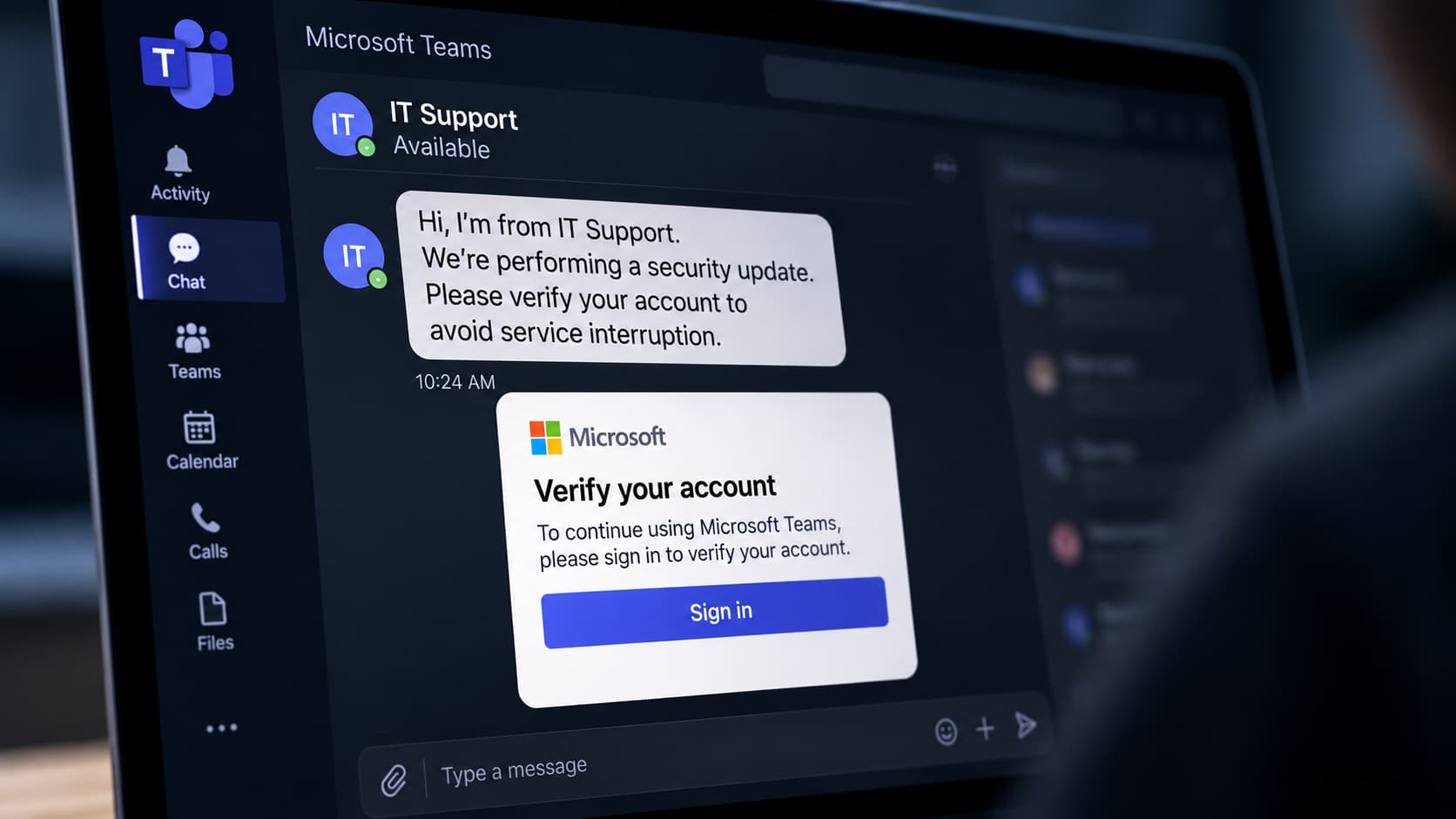
Attackers impersonate IT staff using names such as “IT Support” and “IT Service Desk.” Some append “(Internal)” to their display names to make external contacts appear legitimate, despite Teams marking them as external. Arctic Wolf also observed more than 100 emoji markers in attacker display names, suggesting possible AI-assisted identity creation, although this has not been confirmed.
In many cases, the Teams contact follows “mail bombing,” which floods victims’ inboxes with hundreds of subscription confirmations within minutes. The disruption creates urgency and can bury legitimate security alerts, making the fake IT support offer more convincing.
From Teams Chat to Network Reconnaissance
After establishing contact, attackers, posing as IT support, try to convince an employee to allow remote access to their computer. They use vishing (voice phishing) through Teams calls and remote monitoring and management (RMM) software like Quick Assist. However, researchers also found cases involving the use of other RMM tools like AnyDesk and TeamViewer.
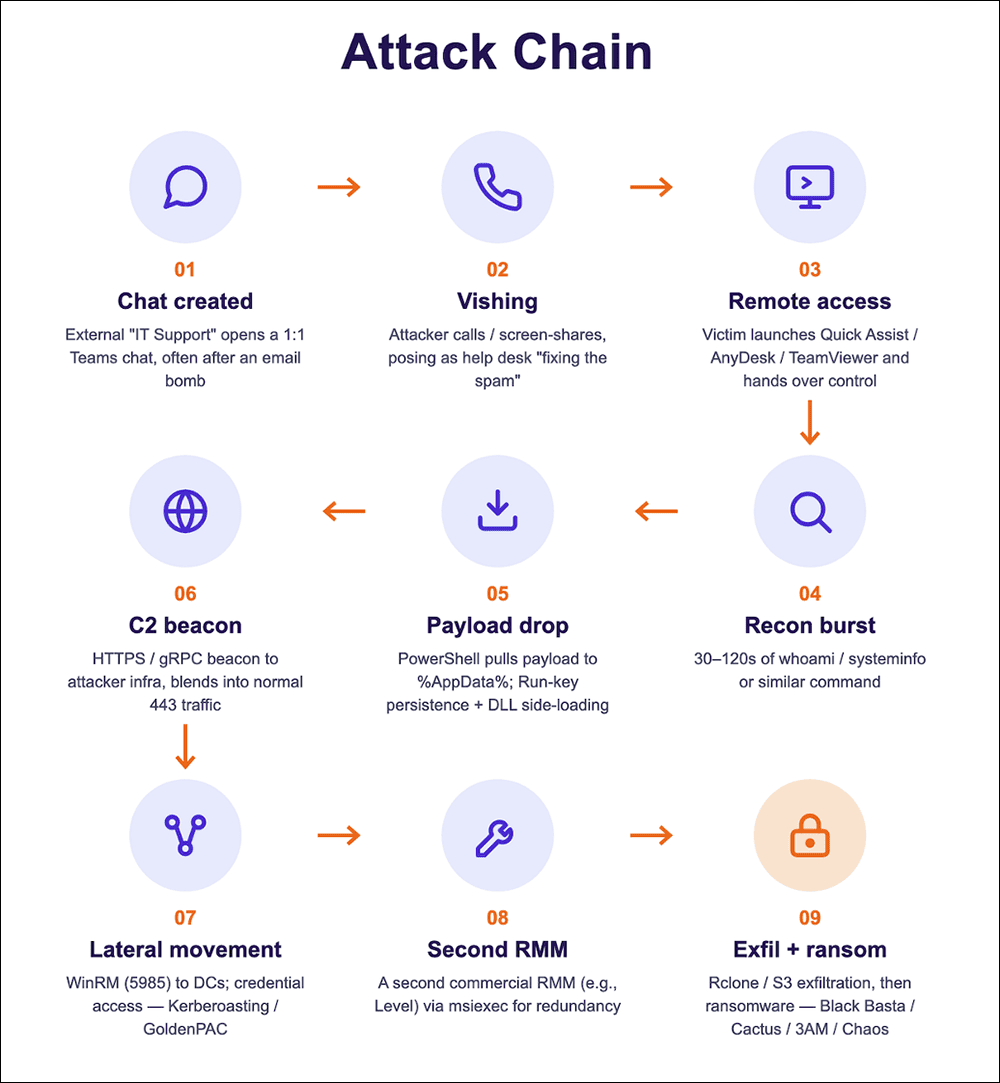
In one case researchers examined, the employee was tricked into running a PowerShell command that downloaded a malicious MSI installer. The installer placed an obfuscated script in the user’s AppData folder. The script then decoded and ran more malicious code.
The attack also installed a Python-based implant, which queried Active Directory for information about user and computer accounts. It then sent the data to the attackers’ command-and-control (C2) servers, giving them information about the organisation’s network.
What Organizations Can Do
This research shows how quickly a convincing support request can turn into a wider intrusion. “Chat creation itself is only the entry point,” researchers noted in the blog post, adding that for organizations the risk is not simply that an employee answers a suspicious message, but that trusting the wrong person with remote access can let them explore the corporate network.
Researchers recommend limiting external Teams chats to approved partner domains, blocking chats from unmanaged accounts and trial-only tenants, and restricting Quick Assist and unauthorized remote monitoring and management (RMM) tools.
Employees should verify unexpected IT support requests through a trusted channel and remember that a sender using “Internal” in their display name does not prove they are part of the IT team.